Unsigning Layouts

Contents
To unsign an already signed layout, use the File tab→Info→Electronic Signatures→Unsign command to bring up the Unsign dialog (Figure 33.6).
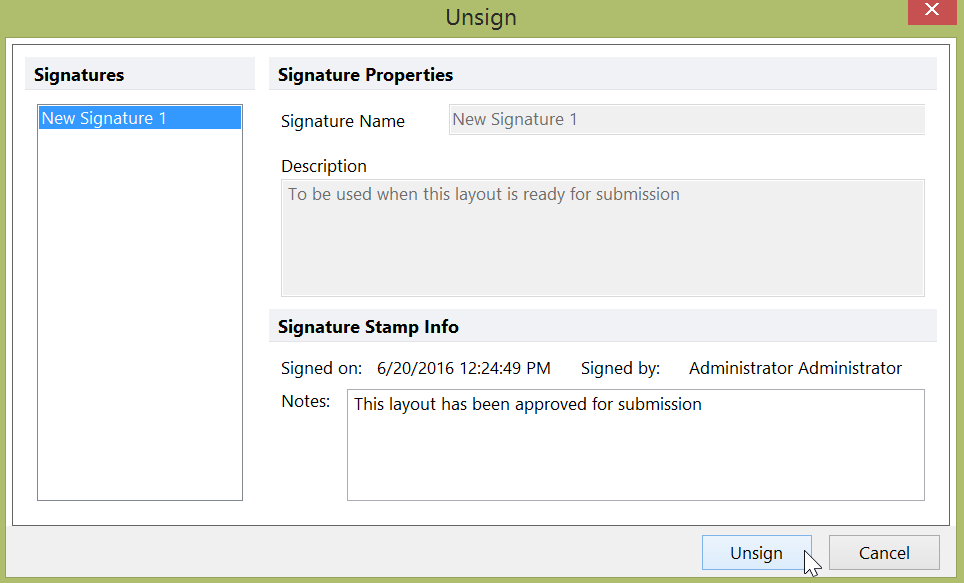
Figure 33.6 Unsigning a Layout
The list on the left will contain the current user's signatures for the present layout. Select the signature you wish to remove and press the Unsign button. An optional note can be entered in the Notes field. After pressing the Unsign button, the user will be required to confirm their password.