Editing Security Configurations

Contents
Under File tab→Security→Edit Security Configuration, users can find the Edit Security Configuration dialog (Figure 18.17) which is used to manage:
•General (Institution name)
•Online Registration (Internet dongle and site license customers only)
•LDAP configuration(only available when the LDAP add-on is purchased with FCS Express)
•System Level Audits (only available when the logging add-on is purchased with FCS Express)
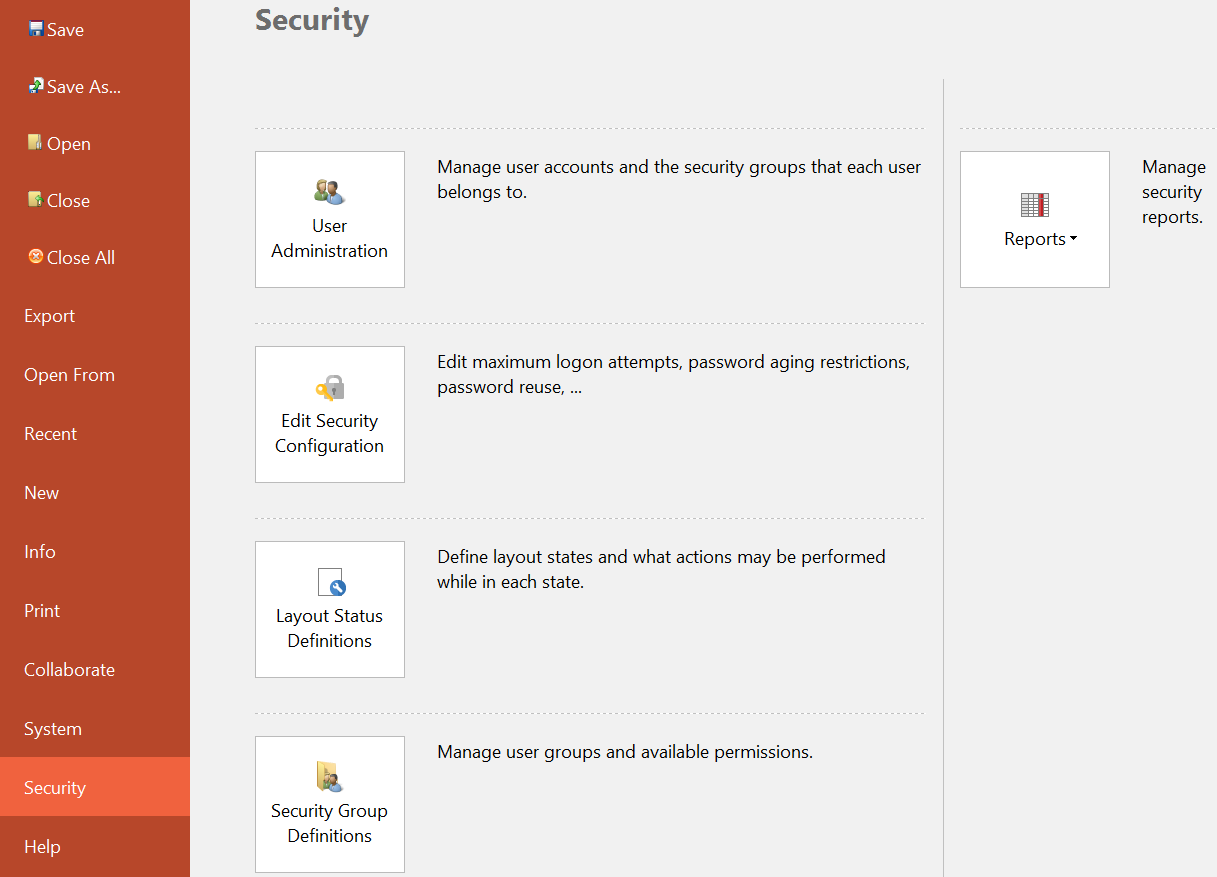
Figure 18.17 Navigating to the Edit Security Configuration dialog