Resizing marker boundaries using the mouse(通过鼠标改变标识的边界)

Contents
可用以下方法重新调整标识的大小:
| • | 点击标识任何位置将其选中。 |
| • | 当标识被选中后,就会出现三个点:位于左边的是缩放手柄、右边的点是边界、中间的点用来移动标识(图9.34)。 |
| • | 当把光标放在任意一个缩放把手上时,光标会变成一两向箭头。 |
| • | 按下鼠标键不动,把该标识边界移到一个新位置。 |
| • | 当标识大小合适时,松开鼠标。 |
| • | 取消对标识的调整,在放开鼠标按钮前在键盘上按下Esc键,标识就是回到原来的位置。 |
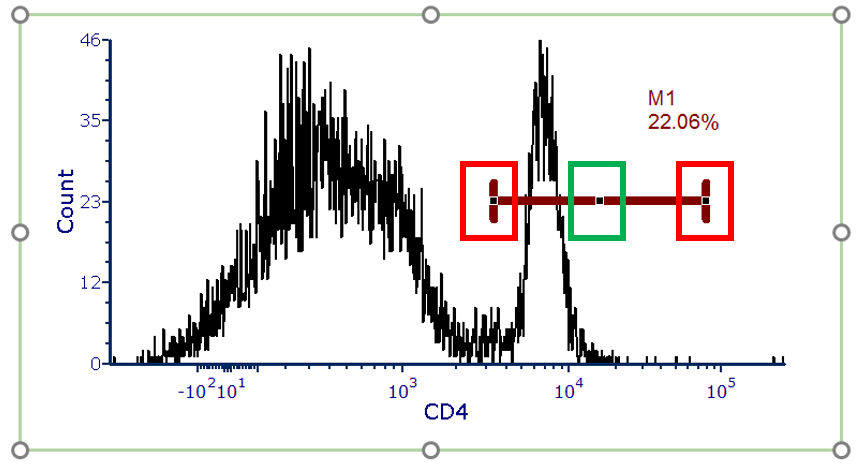
Figure 9.34 - Histogram showing a marker. Red boxes indicate the marker resizing handles and green box indicates the marker center point.