Accessing the Open Data Dialog

Contents
The Open Data Dialog can be accessed through the following actions:
•adding files to the Data List,
•adding and changing overlays on histograms, spectrum plots, 2D plots, Gate Heatmap, Paramater Heatmap, Plate Heatmap,
•changing data by using Data tab→Change Data on Selection or Change Data on All Objects group→Select command (Figure 20.39).
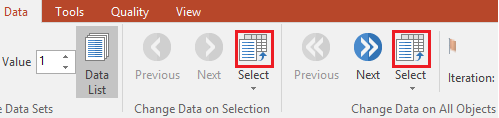
Figure 20.37 - Select command outlined in red from Change Data groups within Data tab on ribbon
•changing data by using Data tab→Change Data on Selection or Change Data on All Objects group→Select drop down list command (Figure 20.40).
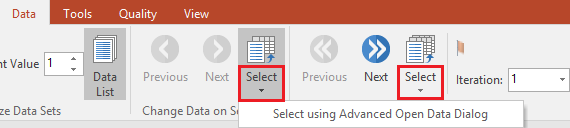
Figure 20.38 - Select dropdown command outlined in red from Change Data groups within Data tab on ribbon